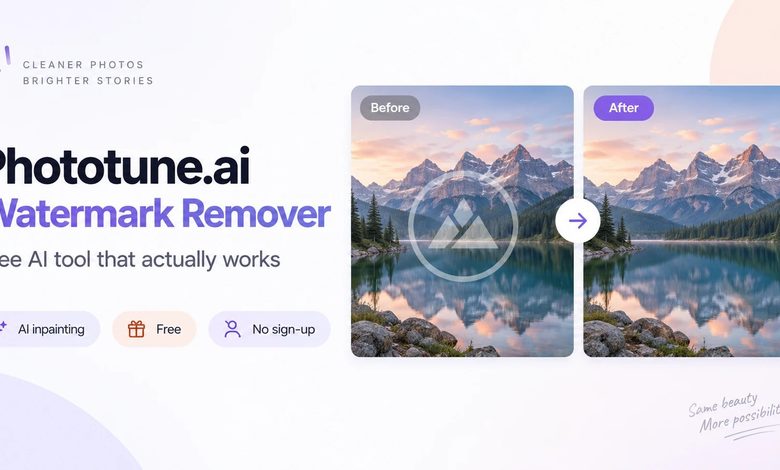
There are a lot of watermark removal tools online, but most of them produce results that are obviously edited — blurry patches, color inconsistencies, or cloned areas that don’t blend with the surrounding image. Phototune.ai watermark removal is different: it uses generative AI inpainting to reconstruct the background behind the watermark rather than covering it, producing results that are genuinely difficult to distinguish from the original unwatermarked image. And it’s completely free — no account, no subscription, no watermark added to your output.
What Makes Phototune.ai Different
The core difference is the technology. Most free watermark removal tools use one of three approaches: blurring the watermarked area, filling it with a color sampled from nearby pixels, or using a basic clone tool to copy surrounding content over the mark. All three approaches share the same fundamental limitation — they replace the watermarked pixels with something that doesn’t belong there, and the result is always visible.
Phototune.ai’s approach is generative reconstruction. The AI model analyzes the entire image — not just the area around the watermark — and generates new pixels that are contextually appropriate for that specific location in that specific image. The model understands what the background should look like based on the visual content of the whole photo, and produces a result that integrates naturally rather than looking patched.
What Phototune.ai Can Remove
| Watermark Type | Examples | Result Quality |
| Corner logos | Brand marks from stock sites, suppliers, apps | Excellent on any background type |
| Diagonal text overlays | Semi-transparent preview text across the image | Excellent — AI identifies text pattern accurately |
| Platform watermarks | TikTok, Instagram, Pinterest logos and usernames | Excellent — standardized marks handled automatically |
| Date and time stamps | Camera and app timestamps in corners | Excellent — removed cleanly in seconds |
| Tiled patterns | Full-image repeating logos from stock sites | Very good — AI detects repeating structure |
| App export branding | Logos from freemium photo editing tools | Very good — corner and edge marks |
| Semi-transparent overlays | Blended brand marks over image content | Good — complex cases benefit from manual brush |
How to Use It
The process is straightforward and takes under a minute for most images. Go to Phototune.ai in any browser — no installation, no account. Upload your watermarked image by dragging and dropping or clicking to browse. JPG, PNG, and WEBP files up to 10MB are supported.
The AI scans the image automatically and removes the watermark in seconds. For most common watermark types, automatic mode produces a clean result with no manual input. Review the output at full zoom — if any traces remain on a complex background, the manual brush lets you mark those areas for a second processing pass.
Download the result at full resolution. The output file maintains the same dimensions and quality as the original — only the watermarked area has been reconstructed.
Honest Assessment: Where It Excels and Where It Has Limits
Phototune.ai produces excellent results on the most common scenarios: corner logos on any background, diagonal text overlays, social media platform marks, and date stamps. These account for the vast majority of watermark removal needs, and the AI handles them cleanly without manual input.
More complex situations — watermarks on highly detailed backgrounds like skin, fine fabric patterns, or intricate natural textures — produce good results that occasionally benefit from the manual brush for fine-tuning. The AI still outperforms manual editing approaches in these cases, but expectations should be calibrated: the more complex the background, the more the manual brush improves the final result.
For severely embedded marks — heavy semi-transparent overlays that deeply blend with the background content — results vary depending on the specific image. Most cases are handled well, but a small number of extreme cases may show some residual artifacts even after manual brush refinement.
Privacy and Output
Images are processed locally in the browser and cleared from memory after download. No account means no personal data collected. The downloaded image has no watermark added by Phototune.ai — what you download is a clean version of your original.

